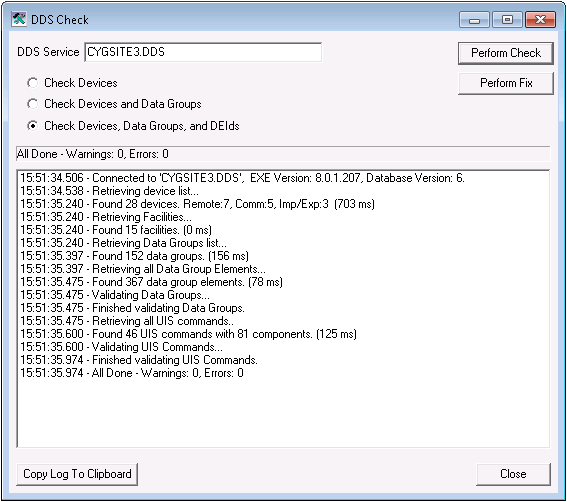
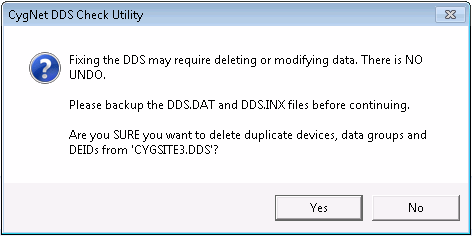
The DDS Check utility (DdsCheck.exe) performs basic validity checking and repairs for common Device Definition Service (DDS) record inconsistencies. You can check the consistency of records for devices, data groups, and elements by clicking Perform Check. If a problem, such as a duplicate record, is found, you can correct it by clicking Perform Fix. You can run this utility while the CygNet service is running.
CygNet DDS Check Utility is stored in the CygNet\Utilities directory (DdsCheck.exe) on the host server. To start the utility, use Windows Explorer to browse to the directory and double-click the program icon.
Note: You can also set up this utility to be installed and launched (started) via CygNet Client Installer so that the application can be version managed. See Version Management for instructions on how to do this.
|
|
| Sample DDS Check Dialog Box |
To Perform a DDS Check
Note: If you would like more information about the types of errors that CygNet DDS Check Utility has detected, contact CygNet Support before performing the fix.

|
|
|

